
Create demos and screen
in 4K quality

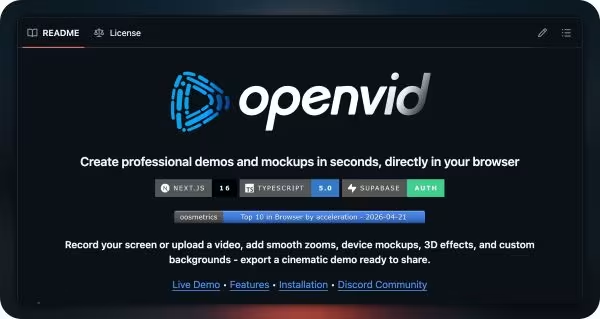
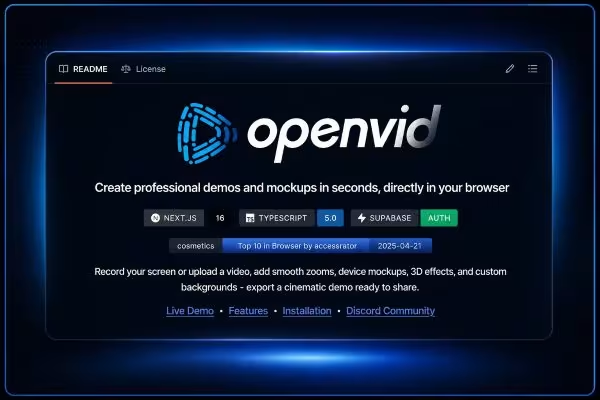
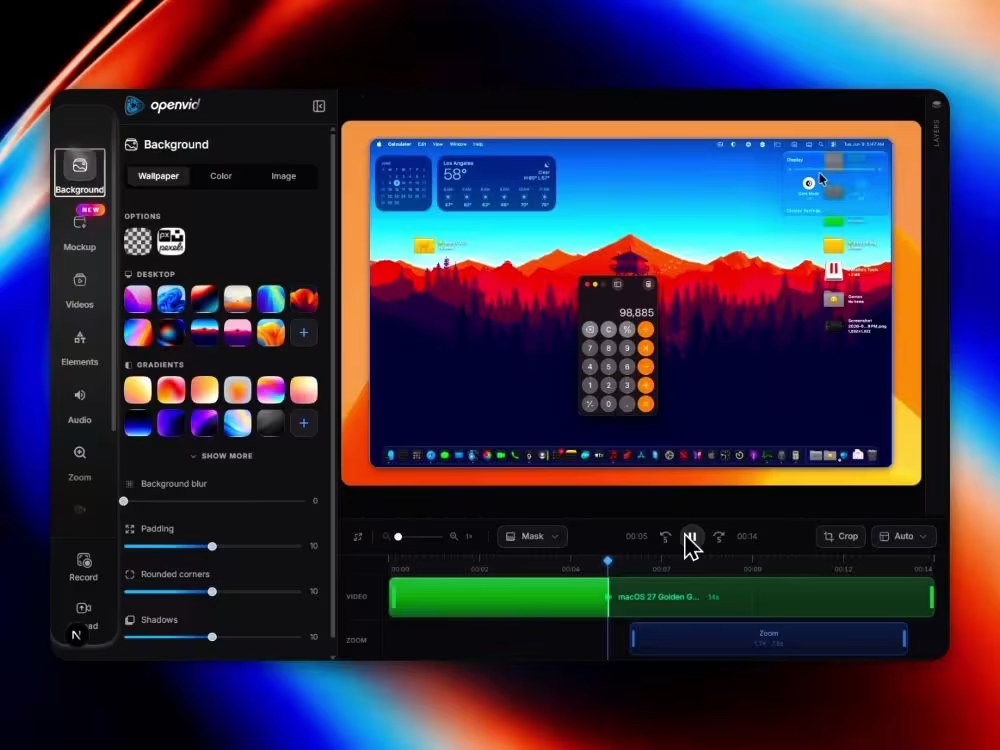
Add smooth zooms, mockups, customize backgrounds, camera, audio, elements, and export professional demos.

Upload videoMP4, WebM, MOV
Go to video editor
Upload photoJPG, PNG, WEBP
Go to photo editor

Create your shot in
four easy steps

Follow these instructions to capture your screen. The whole process happens in your browser, no installation required.

1

Start capturing

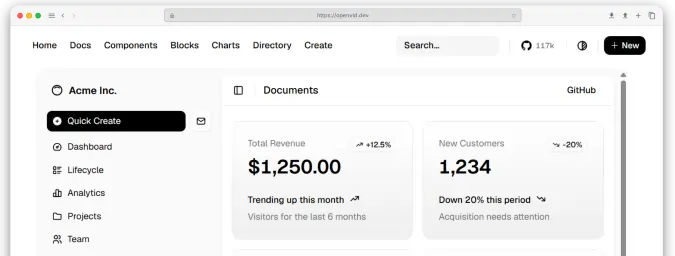
Click the button below. Your browser will ask you what you want to share. For optimal performance and cleaner shots, we recommend selecting a Tab or Specific window.

Brave Tab
Window
openvid - Create shots...
RecordingSteps.tsx
Also share system audio
2

Hide distractions

When sharing your screen, your browser will automatically show a floating bar notifying that the capture is active. Click Hide to make sure it doesn't appear in your final video.

https://openvid.dev is sharing a window.
Hide
3

Get ready for action

No rush. Once you approve the permissions in step 1, we will start a 3-second countdown. You will see the indicator in the browser tab so you know exactly when to start speaking or moving the mouse.

5

Switch tabs!

The recording will start on the screen you selected.

4

Cut and to the editor

When you finish your explanation, simply stop the recording. The file will not be downloaded immediately; it will magically move to our web editor so you can apply zooms, backgrounds, and crops.

Grabando00:42

Polished video demos created.

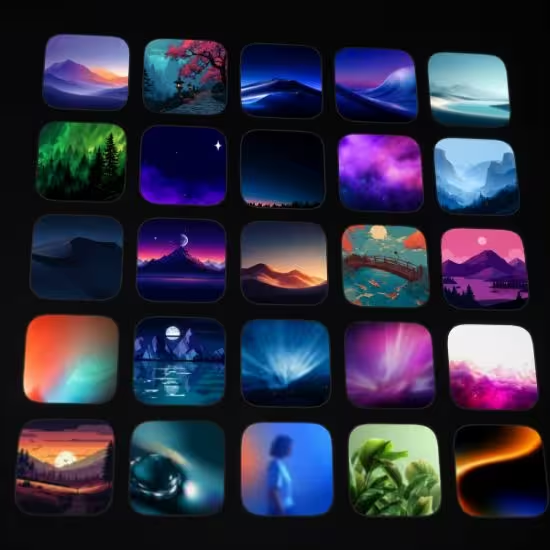
Watch high-fidelity screen recordings and cinematic clips generated by our community.
Video thumbnail
Video thumbnail
Video thumbnail
Video thumbnail
Video thumbnail

Polished image static exports.

Perfect for your landing pages, social media, or changelogs. Export ultra-crisp mockups in one click.
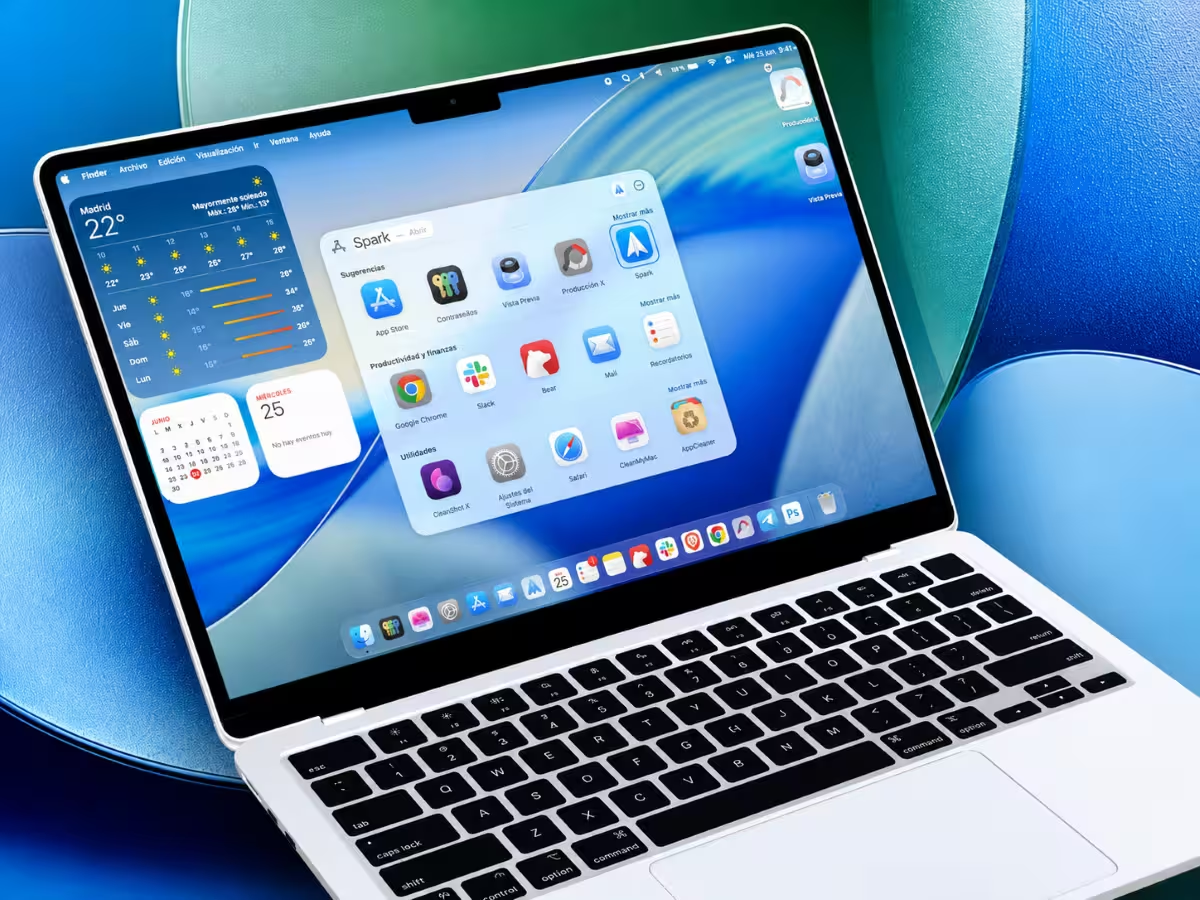
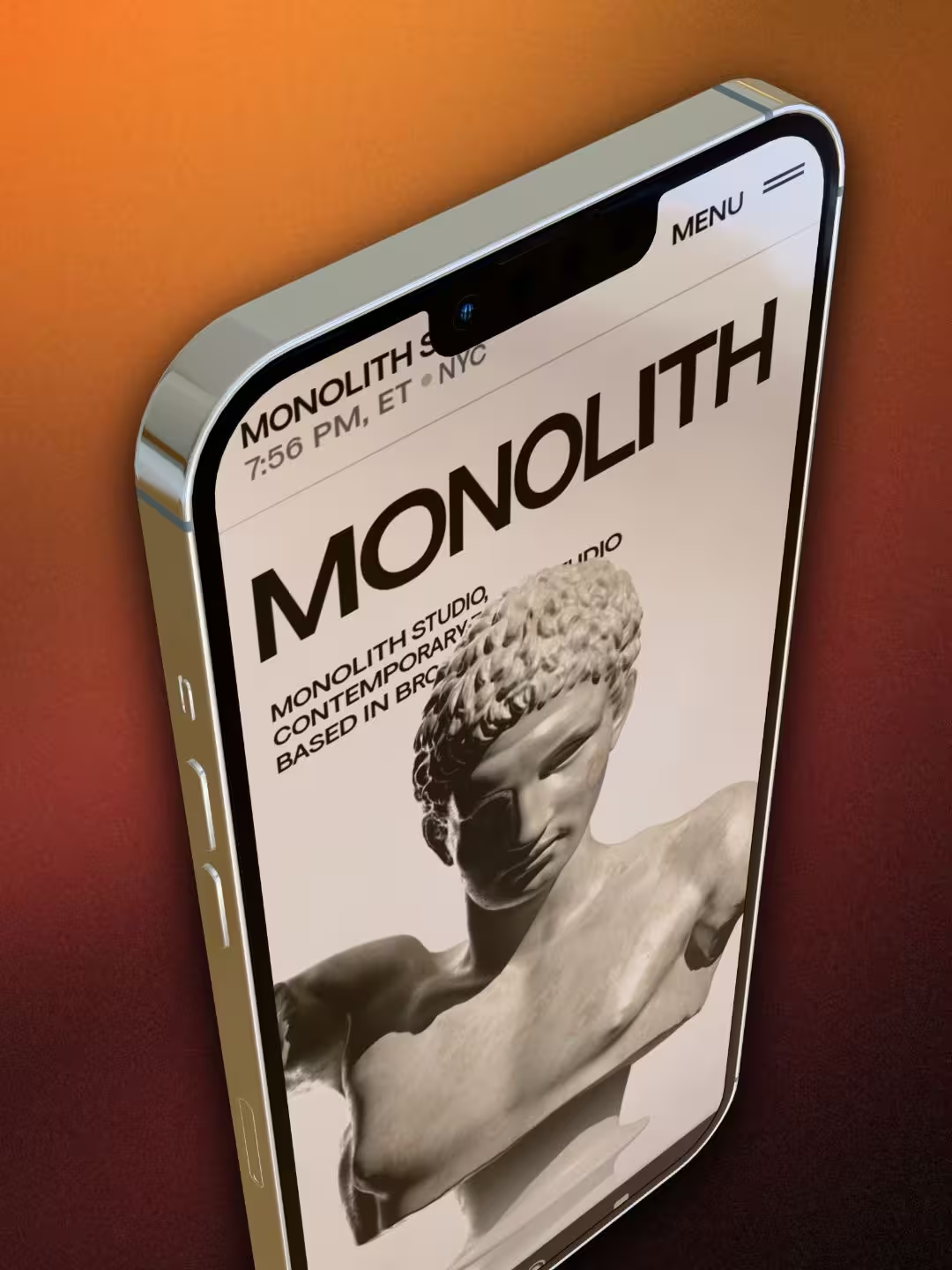
Laptop
iPhone
iPhone
Browser
Browser
Browser

Everything you need to ship stunning demos.

Record, enhance, and export - cinematic results directly in your browser, no installs required.
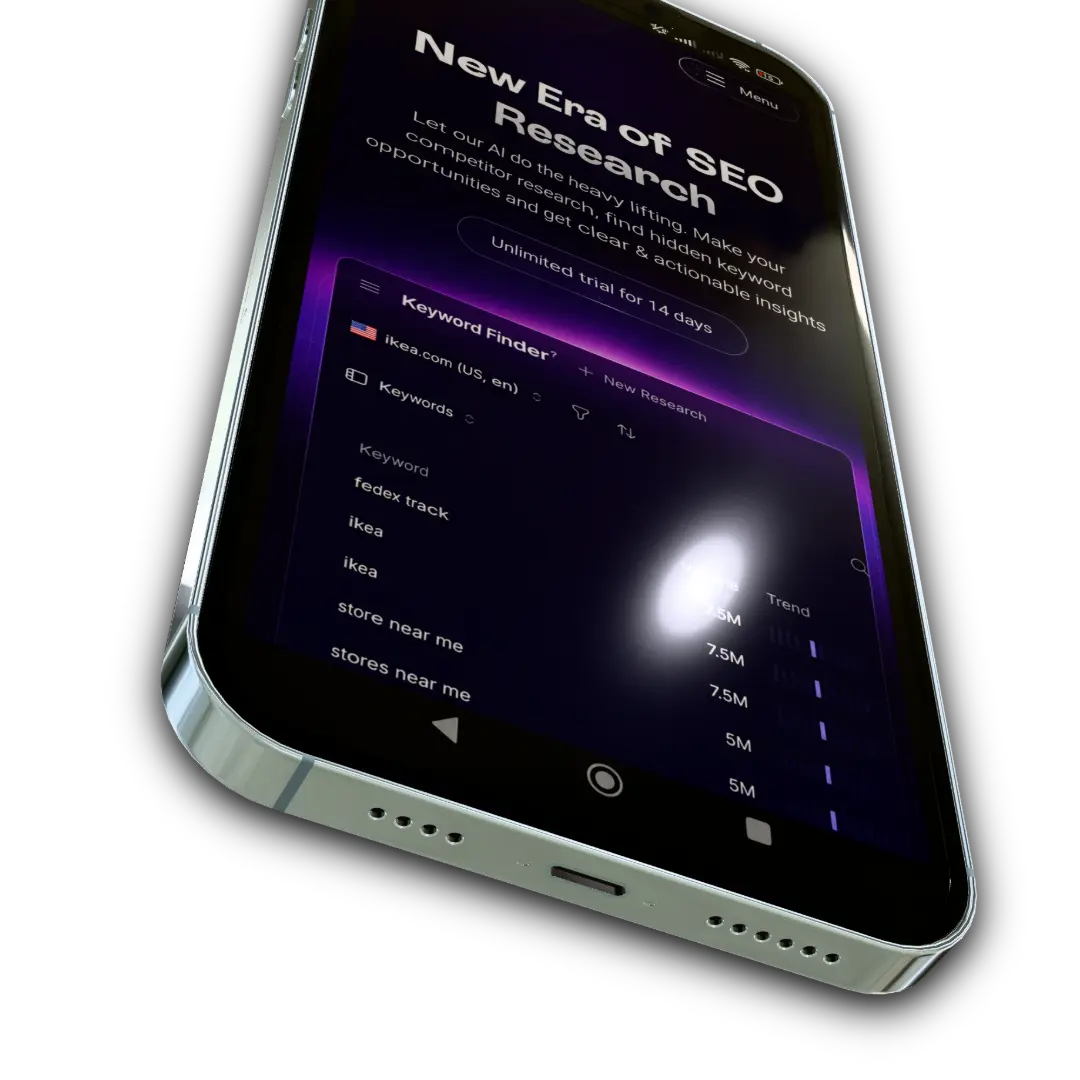
Abstract 3D rendering

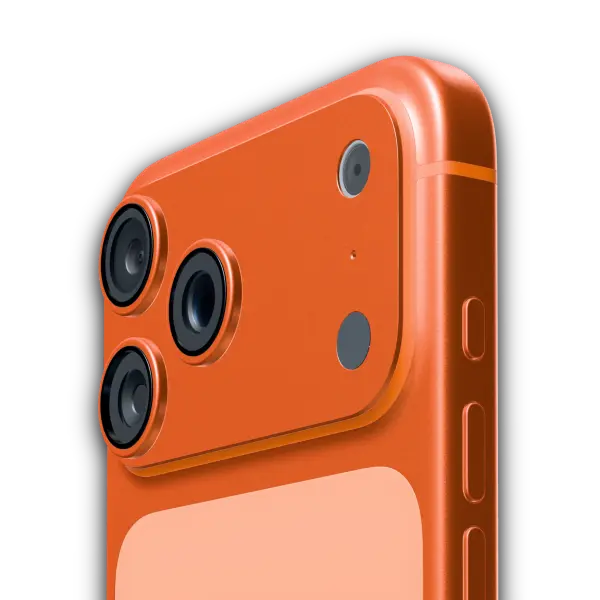
3D Device Mockups

Wrap your screen recordings in hyper-realistic 3D device frames.

Transparency
Background layer 3Background layer 2Transparent preview
Background pattern

500+

Backgrounds

Bottom right asset

Cinematic Zoom

Right asset

Elements & Layers

Multi-track Timeline

Layer multiple videos, audio tracks, and zoom the canvas.

Don't just take our word for itSparkles decorator

See how founders and creators are transforming their demos with Openvid.

GitHub Projects Community
@GithubProjects
Openvid is an open-source browser-based video editor for recording and editing screen captures with cinematic effects, no uploads required. - 4K export with H.264, WebM, GIF, and image formats - 3D camera movement, zoom, and perspective adjustments - Device mockups for Safari, Chrome, Arc, and Samsung - Multi-track audio with per-track and master volume control Explore it here:
opensourceprojects.dev/post/7596eb42-...
Post media
5:30 PM · May 26, 2026·27.3KViews
niyi.tech
niyi.tech
Original audio
🚨 SCREENSHOT ➔ POLISHED PRODUCT WALKTHROUGH VIDEO INSTANTLY This guy built a tool that turns any app...
Watch Reel
App Hunter 
App Hunter 
@Sn0wbrave
🎥 A free and open-source tool for creating professional product demos directly from the browser. Record the screen, add zoom effects, device frames, and 3D effects, then export the video in high quality. If you're making tutorials or showcasing apps, this is worth trying out. 🐱 GitHub: CristianOlivera1/openvid
Post media
4:09 AM · Jul 5, 2026·9,045Views
marc.kaz
marc.kaz
Original audio
🚨 SCREENSHOT ➔ POLISHED PRODUCT WALKTHROUGH VIDEO INSTANTLY This guy built a tool that turns any app screenshot into a clean, professional motion demo video. Ships with: - One-click screenshot ➔ full animated walkthrough - Smooth UI animations & feature highlights - No After Effects, no Premiere, no designer needed - Perfect for landing pages & social media launches 👉 https://github.com/CristianOlivera1/openvid Who's turning screenshots into pro videos today? Drop a 🔥
Watch Reel
Elboussaidi abdelmonim
@Elboussaidi
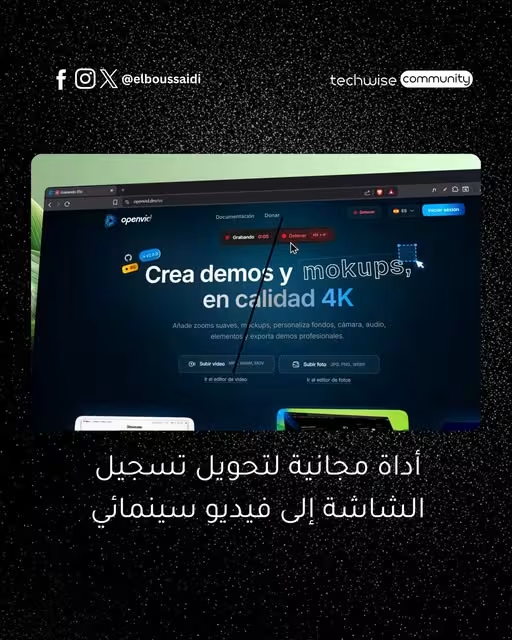
OpenVid Hero is an open-source, in-browser tool that converts app screenshots into professional, 4K-enabled motion demo videos without requiring external editing software. The tool features local rendering, 3D camera motions, and device mockups, offering a fast, private alternative for creating high-end product demos. Explore the project on GitHub: https://github.com/CristianOlivera1/openvid.
Post media